Login
Product
Money Transfer
Service
Blog
About Us
ID
EN
Login
Delete cashplus user account
Terms & Conditions
How to Delete an Account via Mobile
How to Delete an Account via the Website
S&K
Via Mobile
Via Website
Delete the account through the Cashplus app. Here's how:
Make sure the account you want to delete is appropriate as per the information on the Terms & Conditions tab.
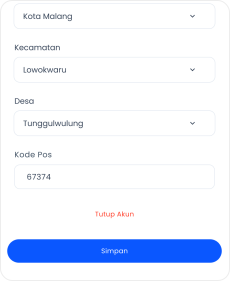
On the edit profile page, select
Delete account
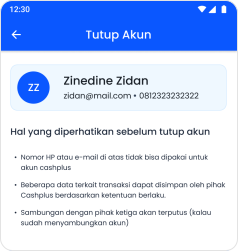
Please understand the following information before closing your account
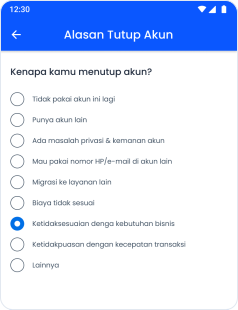
Select the reason why you want to Delete Account, after that click
Next
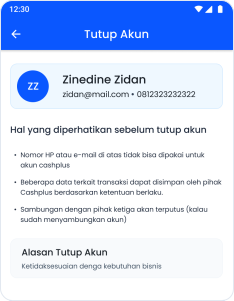
Understand again what will happen if you Delete Account, then click
Delete Account Now
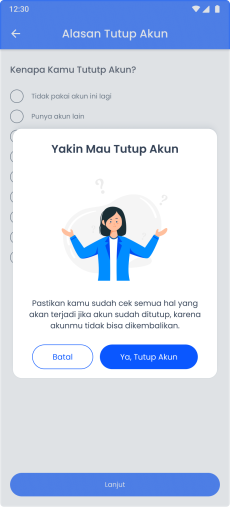
When you are sure, then click
Yes, Delete Account
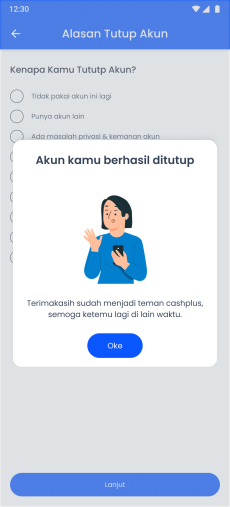
You've successfully deleted your account.